
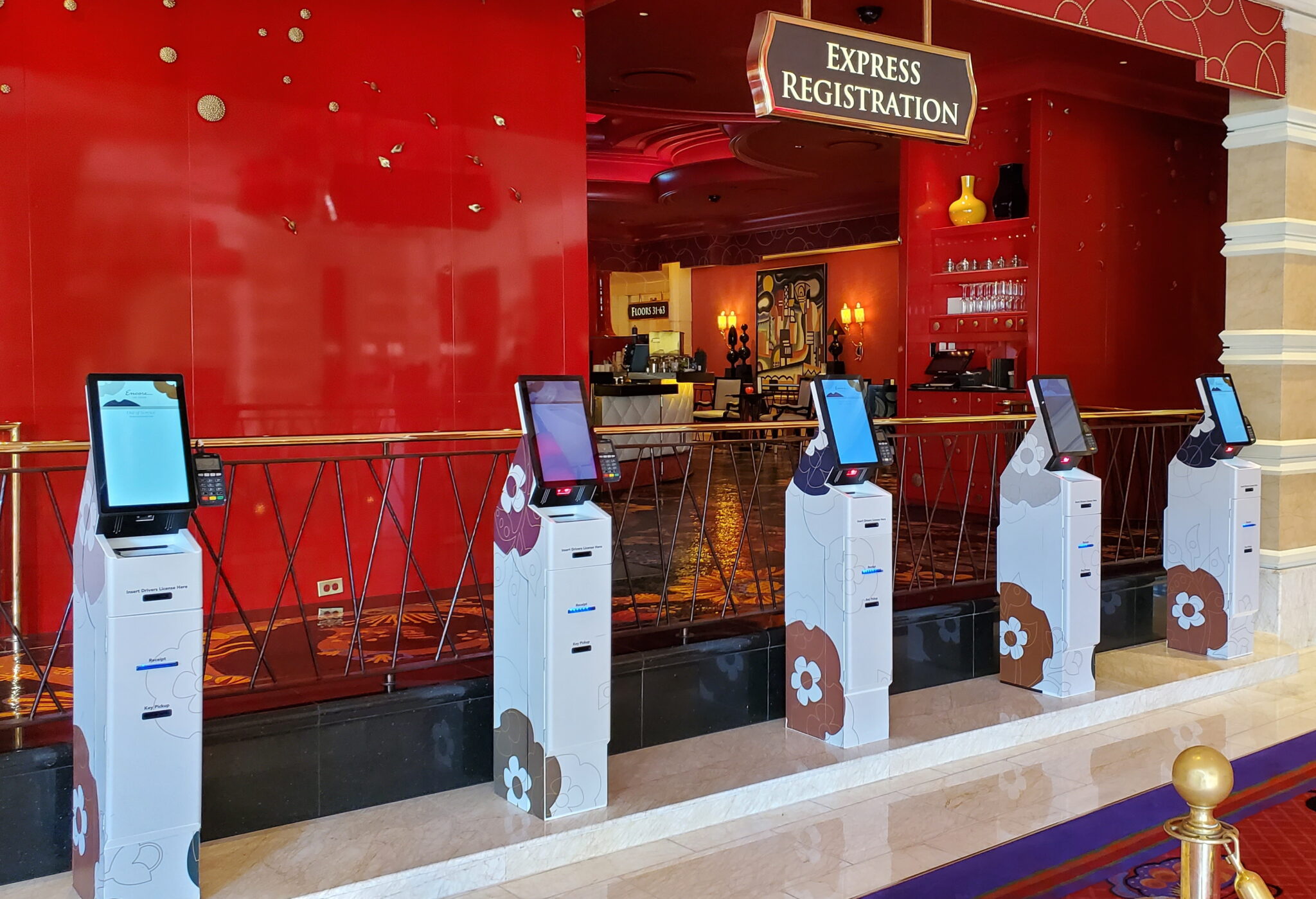
When it comes to self-service technology, design plays a huge role in whether a kiosk succeeds or fails. A good design goes far beyond aesthetics, it shapes usability, accessibility, serviceability, and cost efficiency. Just like accessibility and equal access, a thoughtful kiosk design directly affects user adaptation and both short and long-term operational costs. A kiosk that is easy to use, built to last, and engineered for real world conditions drives faster adoption and stronger ROI for operators across industries.
Accessibility and ADA compliance are essential components of a good kiosk design. The Americans with Disabilities Act (ADA) establishes standards that ensure individuals with disabilities have equal access to public spaces and technologies, including self-service kiosks. Proper ADA-compliant design involves considerations like screen height, reach ranges, clear floor space for mobility devices, and screen readability for users with visual impairments.
By incorporating these factors early in the design process, kiosks become usable for a wider audience, reducing barriers to interaction and improving overall adoption rates. Designing for accessibility upfront can also help organizations avoid costly legal risks and user frustration down the line. When a customer approaches a self-service kiosk, the first impression comes from how it looks and feels. A well designed kiosk communicates trust, reliability, and ease of use before the user even interacts with it. Factors like color, form, and material choices influence whether someone feels comfortable engaging with technology.
A thoughtful design takes into account the brand identity, the physical environment where the kiosk will be deployed, and how users of all abilities will interact with it, resulting in a solution that is both accessible and intuitive. On the other hand, usability is equally as important. A confusing interface or awkward physical layout can frustrate users, reduce adaptation, and increase support costs. Human factors such as reachability, visibility, accessibility, and workflow efficiency must be analyzed to ensure that every interaction is smooth. Well designed kiosks minimize the need for instructions, reduce user error, and create a consistent experience. This is especially important in settings like healthcare or casinos, where time and accuracy are essential. By prioritizing usability and accessibility from the start, designers can ensure that both employees and customers use the technology confidently and efficiently.
Design sometimes is mistakenly viewed as an added expense. In reality, smart design drives long-term cost savings. Through thoughtful placement of components, modular assemblies, and easy access for maintenance, a kiosk can significantly reduce downtime and service costs. Having serviceability and durability in mind while designing a kiosk helps with fewer repairs, less frequent component replacements, and a lower total cost of ownership over the kiosk’s lifecycle. Well designed kiosks also tend to be adopted quicker, which can translate into smoother operations, improved staffing efficiency, and a stronger return on investment.
When designing a self-service kiosk, it’s about day one functionality, it’s about how a kiosk performs over years of use. Serviceability plays a major role in the kiosk industry. When components are accessible, modular, and replaceable, repairs and upgrades can be completed quickly without taking the kiosk offline for extended periods. For high traffic industries like hospitals, casinos, and financial institutions, this level of forethought directly impacts both revenue and customer satisfaction by minimizing operational interruptions and maximizing uptime.