
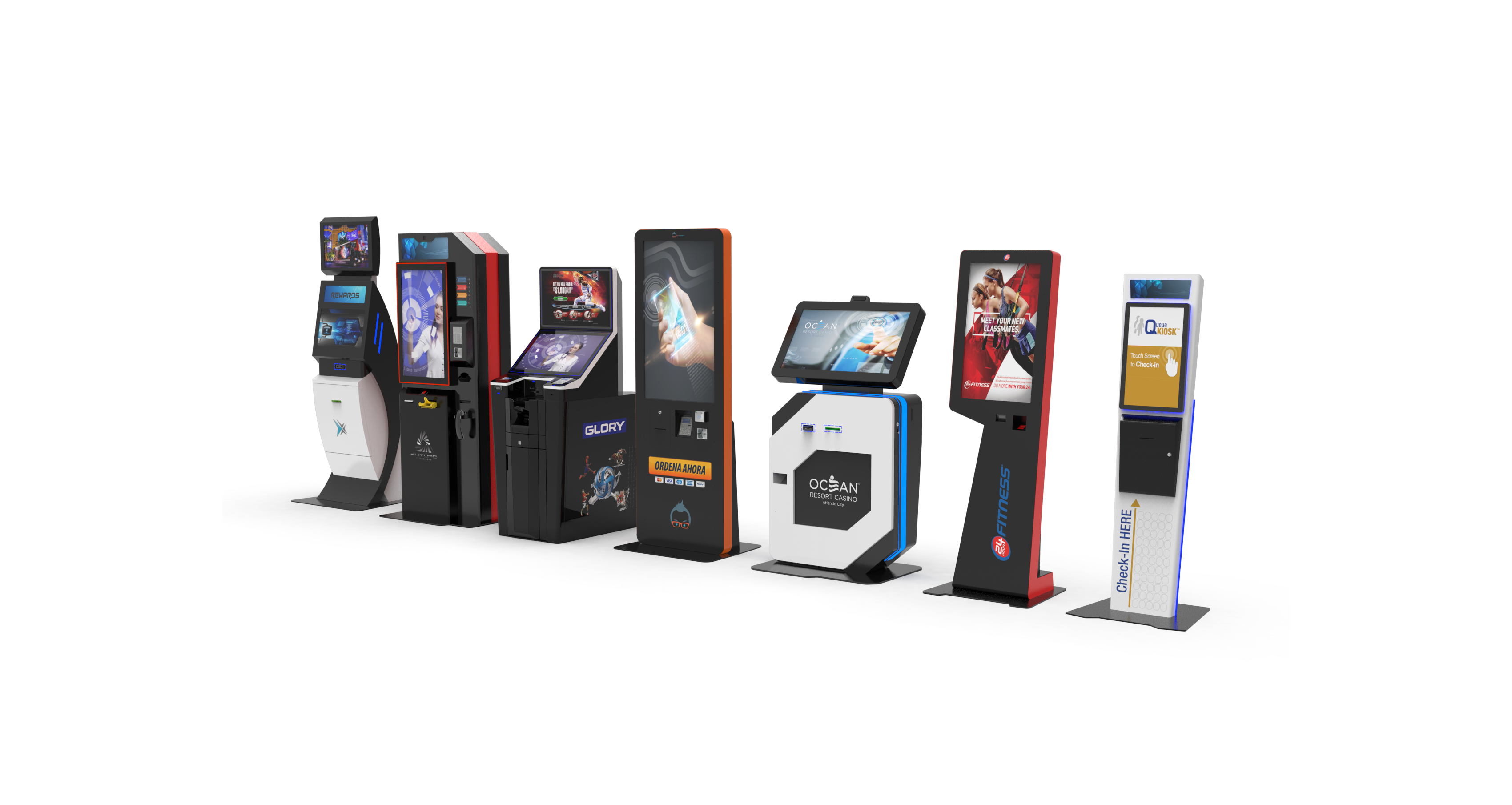
Self-service kiosks have become a familiar part of everyday life. Customers use them to check into hotels, purchase tickets, place orders, make payments, check out at retail stores, register for appointments and complete many other routine transactions without relying entirely on an employee.
But what is a kiosk, and how does a self-service kiosk actually work?
A kiosk is a machine designed to provide information, services or transactions directly to a user. Modern self-service kiosks combine purpose-built hardware, software and connected business systems to allow customers to complete specific tasks independently. From simple information kiosks to sophisticated payment and self-checkout systems, kiosk technology can be designed around a wide range of customer and operational workflows.
A self-service kiosk is an interactive system that allows a customer, visitor, employee or other user to complete a task without requiring continuous assistance from staff. Most modern self-service kiosks use a touchscreen interface that walks the user through a series of instructions. Depending on the application, the kiosk may also contain payment terminals, scanners, printers, cameras, ticket dispensers, ID readers and other components.
For example, a customer may use a kiosk to:
Businesses can choose from standard kiosks that can be configured for an application or develop custom self-service kiosks designed around a particular workflow, environment, brand and set of hardware requirements.
The hardware includes the physical kiosk enclosure and the technology installed inside it. Common kiosk components include:
Not every kiosk needs every component. The hardware configuration should be determined by the actual workflow the kiosk needs to support.
The software provides the interface customers interact with. It displays instructions, collects information and guides users from the beginning of a transaction to completion. Depending on the application, kiosk software may connect with systems such as:
The third part is integration, a kiosk has to communicate with the systems behind the transaction. If a customer uses a hotel kiosk to check in, for example, the kiosk may need to find a reservation, verify information, process a payment and communicate with a room-key system. That is why successful kiosk deployments require the enclosure, components, software and backend systems to be planned as one connected system rather than as separate pieces of technology.
Although kiosk applications can be very different, the basic customer experience usually follows a similar process.
The touchscreen displays a welcome screen or available services.
This could include checking in, making a payment, purchasing something, finding information or accessing an account.
The user may enter information through the touchscreen or use another device such as a barcode scanner, payment terminal, ID reader or camera.
The kiosk software sends and receives information from the appropriate business system, payment network or database.
The kiosk may provide an on-screen confirmation, print a receipt, dispense a ticket, encode a hotel key, update an account or perform another action associated with the transaction. The objective is to make the process intuitive enough that customers can complete it with minimal assistance.
Most customers use a self-service kiosk by following instructions displayed on the touchscreen. Good kiosk interfaces provide clear choices and guide the customer through one step at a time rather than displaying too many options at once. For example, a payment kiosk might ask the customer to:
A hotel kiosk will have a completely different workflow, but the basic principle remains the same: the kiosk breaks a larger transaction into a simple sequence of customer actions.
There is no single kiosk configuration that works for every business. A retail self-checkout system, hotel check-in kiosk, healthcare registration station and payment kiosk may all be considered self-service kiosks, but each requires a different combination of software, components, ergonomics and enclosure design. Kiosk Innovations designs, engineers and manufactures purpose-built self-service kiosk hardware for organizations and technology providers across a variety of applications. Businesses can choose from existing standard kiosk designs or develop custom kiosk hardware around their specific workflow, integration requirements, environment and long-term deployment needs.